
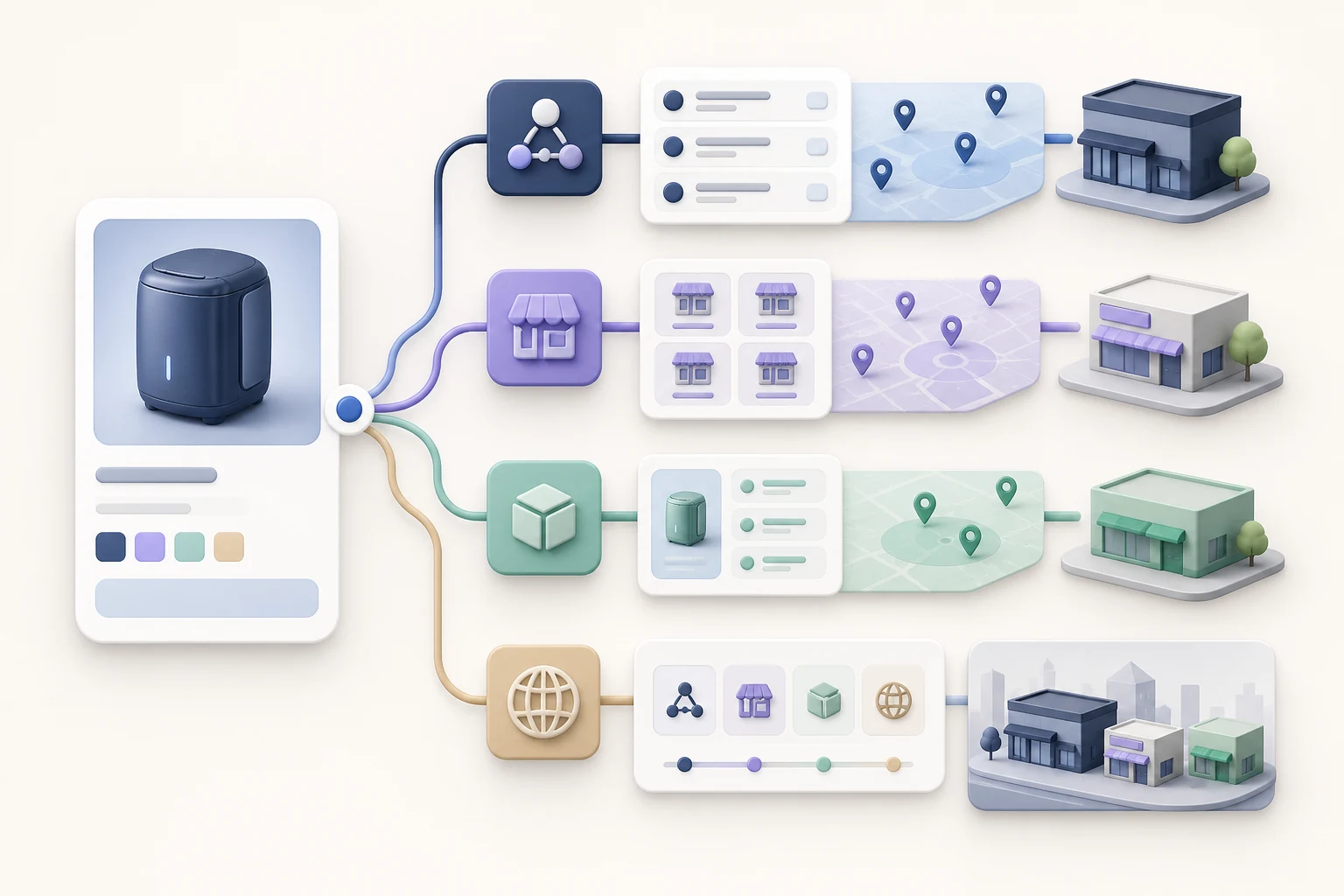
The short answer: a store locator finds locations owned by one retailer, a dealer locator finds independent businesses authorized to sell a brand, a product locator finds a specific product at those sellers, and a “where to buy” experience can combine online, local, direct, and distributor paths behind one call to action.
The labels are often used interchangeably. The customer intent behind them is not. Choosing the wrong model can produce a technically functional locator that answers the wrong question.
The four locator types at a glance
| Experience | Primary question it answers | Typical data required | Best fit |
|---|---|---|---|
| Store locator | “Where is your nearest location?” | Store address, hours, phone, services | Retailers and service chains with owned locations |
| Dealer locator | “Which authorized business near me sells this brand?” | Dealer identity, territory, location, authorization status | Manufacturers and brands with independent sellers |
| Product locator | “Who has this exact product?” | Product identifiers, seller assortment, product links, optional inventory | Brands with broad catalogs or uneven dealer assortment |
| Where to buy | “What is my best way to buy?” | Online offers, local stores, direct links, distributors, regional rules | Brands supporting several paths to purchase |
What is a store locator?
A store locator is usually an extension of a retailer’s own location directory. Every result belongs to the same company, so the core job is geographic: accept a place or use location—with permission—and return the most useful branches.
A good store locator goes beyond map pins. It exposes hours, address, phone, directions, services, accessibility details, and other information a visitor needs to choose a location. Separate, crawlable location pages may also support local discovery when they contain accurate, location-specific content.
The model becomes less useful when a manufacturer does not own the stores. Calling independent dealers “our stores” can confuse customers and flatten meaningful differences such as product assortment, territory, or dealer type.
What is a dealer locator?
A dealer locator is designed for a distributed channel. Results may include authorized retailers, distributors, installers, service centers, rental providers, or other partner types.
Geography still matters, but proximity is not the only ranking question. A useful result may also depend on:
- Whether the dealer is authorized for the relevant brand or territory
- Whether it carries the requested product category or exact product
- Whether it serves consumers, trade buyers, or both
- Whether it is a physical location, an online seller, or a distributor
- Whether the record is current and complete
For brands, the dealer locator is therefore partly a data-governance system. The customer only sees the final results, but the quality of those results depends on accurate partner records and clear business rules.
What is a product locator?
A product locator begins with the product, not the location. It answers a more specific and typically higher-intent question: “Where can I buy this model, size, color, or variant?”
That requires a reliable connection between the brand’s catalog and each seller’s catalog. Exact identifiers such as GTIN, MPN, brand, and retailer SKU mappings reduce ambiguity. When exact identifiers are missing, matching may need normalized titles, model numbers, attributes, and human review.
A product locator can display an online product page, nearby sellers known to carry the product, or store-level inventory when sufficiently fresh inventory data is available. Those are different confidence levels and should be labeled honestly. “Dealer carries this brand” is not the same as “this item is in stock now.”
What does “where to buy” mean?
“Where to buy” is best treated as the customer-facing umbrella. It can open a single experience that presents several valid paths:
- Buy from an authorized online retailer.
- Find a nearby store or dealer.
- Contact a distributor in the customer’s country.
- Buy direct when the brand offers direct commerce.
- Find an installer, service center, or rental provider when the product requires one.
The button label can be “Where to Buy,” “Buy Now,” “Find a Dealer,” or something specific to the business. What matters is that the result matches the promise made by the label.
How to choose the right model
Start with the customer question, then work backward to the data.
Choose a store locator when all locations are part of one operating network and the customer mainly needs branch information. Choose a dealer locator when independent partner status, territory, or authorization matters. Add product-level resolution when assortment varies or shoppers arrive from product detail pages. Use a broader where-to-buy experience when the brand supports more than one purchase route.
Many brands need a combination. A product page might open product-specific online and local results, while a general “Find a Dealer” page helps visitors who have not chosen a product. An international visitor might see distributors first, while a domestic visitor sees local and online sellers.
Questions to settle before implementation
- Which customer intents will the locator serve?
- Which partner types belong in results?
- Does the experience need product-level or only brand-level accuracy?
- What does “available” mean in each result: authorized, carries, listed online, or in stock?
- Who owns dealer, catalog, and inventory accuracy?
- Which geographic, language, and territory rules apply?
- What actions should be measured: retailer clicks, calls, directions, shares, or another conversion?
The right taxonomy makes the rest of the project easier. It clarifies the data model, the interface, the implementation scope, and the metrics that define success.
How Omacro fits
Omacro can combine customizable purchase and locator actions with online sellers, nearby locations, distributors, installers, service centers, and other partner types. Product matching connects brand catalog records with seller product information, while configurable results let brands shape the experience for different markets. See the platform details for brands or use the buyer’s guide to evaluate the full requirements.